
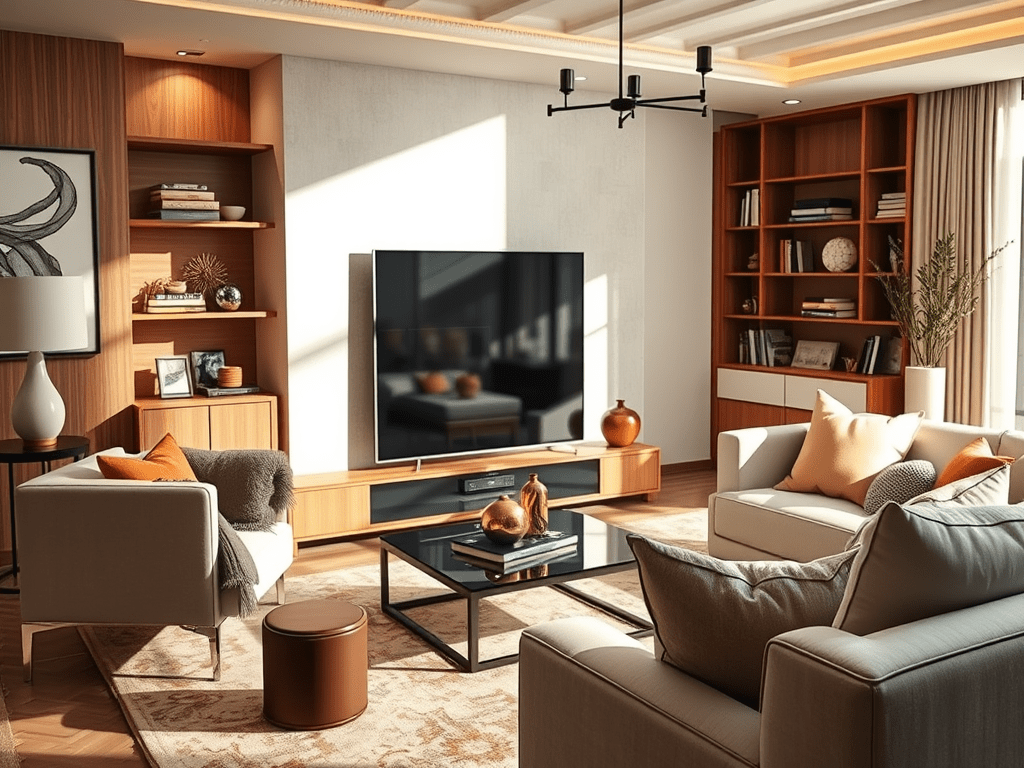
Breathe life into your space with immersive sound—without sacrificing style.
If you’ve ever been captivated by the rich sound in a movie theater or felt the subtle audio layers in your favorite music track, you know the power of surround sound. But bringing that experience into your own home can feel intimidating—especially when trying to maintain a beautiful and cohesive design.

The good news? Modern surround sound systems are more stylish, compact, and wireless than ever before. With a little planning, you can incorporate top-tier audio into your home decor without the bulky black boxes and tangled wires of the past.
Why Add Surround Sound to Your Home?
Surround sound enhances every aspect of your entertainment—movies, music, games, and even podcasts. It can:
- Create a cinematic experience in your living room
- Add depth and ambiance to music and background sounds
- Boost your home’s resale value, especially if you design it right
How to Incorporate Surround Sound Into Your Home Design
Here’s how to make your sound system a seamless part of your space—not a visual eyesore:
1. Plan with Purpose
Start by deciding where you want the sound to be immersive. Common rooms include:
- Living rooms
- Media rooms
- Open-concept family/dining areas
Use your room’s layout to determine speaker placement and where wiring (if any) can be concealed.
2. Go Wireless
Opt for wireless systems or soundbars with satellite speakers to reduce clutter and installation time. Many systems now use Bluetooth or Wi-Fi, so you don’t have to run wires through walls or floors.
3. Match the Aesthetic
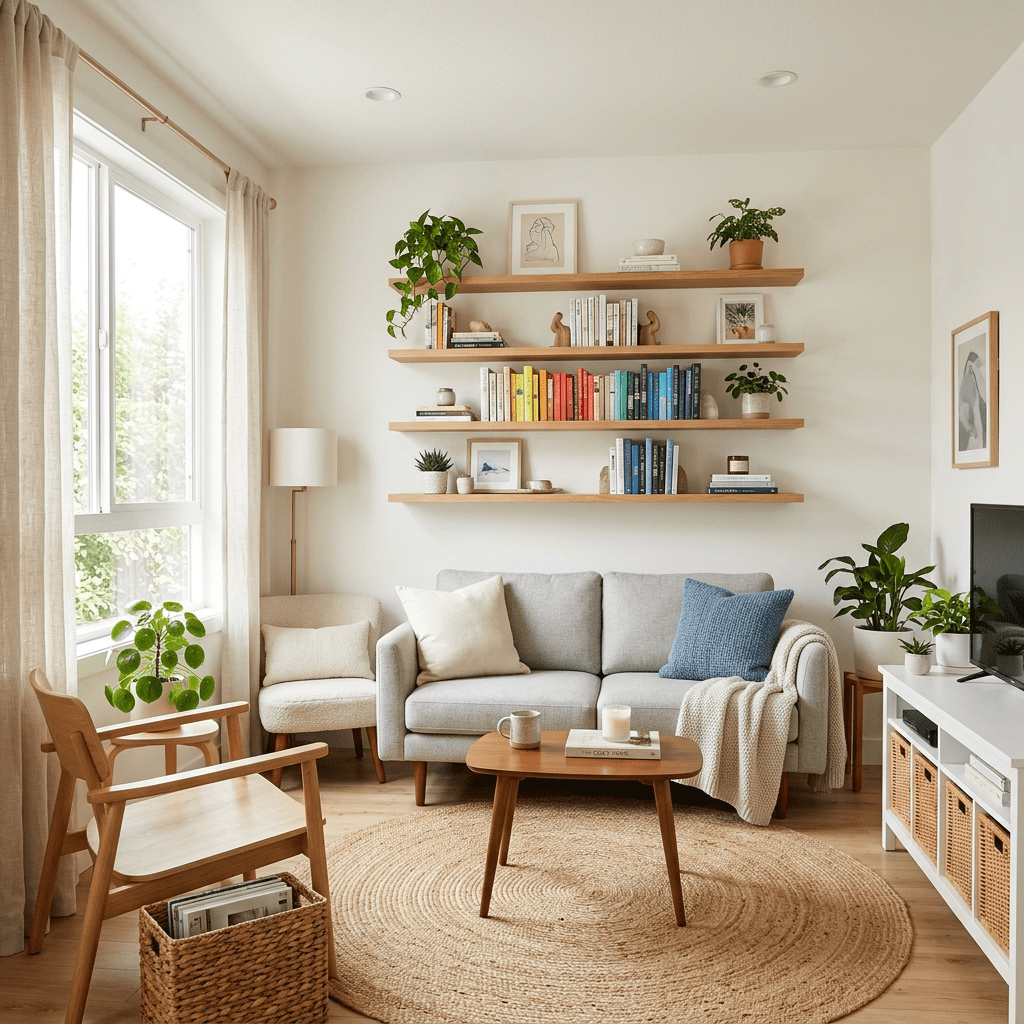
Choose speakers in finishes that complement your space (matte white, wood-grain, or compact black). Mount wall speakers near ceiling corners or tuck bookshelf speakers into styled decor arrangements.
4. Use Furniture to Hide Equipment
Console tables, TV stands with cable management, and storage ottomans can help hide subwoofers and receivers without affecting performance.
5. Consider In-Ceiling or In-Wall Speakers
If you’re designing or renovating, install in-wall or in-ceiling speakers for a clean, built-in look. These are especially great for minimalist or modern homes.
Popular Surround Sound Options (and Cost)
Here are some surround sound systems that are well-reviewed for design, quality, and ease of installation:
1. Sonos Surround Sound Set
- Includes: Arc Soundbar, Subwoofer, and two Era 100 speakers
- Cost: Around $1,800–$2,200
- Best for: Wireless setups and smart home integration (works with Alexa & Google Assistant)
- Where to Buy: Sonos.com, Best Buy, Amazon
2. Bose Smart Surround Sound System
- Includes: Bose Soundbar 900, Bass Module, and Surround Speakers
- Cost: $1,600–$2,000
- Best for: Sleek design, exceptional sound quality, and compact footprint
- Where to Buy: Bose.com, Amazon, Crutchfield
3. Vizio 5.1 Home Theater Sound Bar System
- Includes: Soundbar, wireless subwoofer, and two satellite speakers
- Cost: $250–$350
- Best for: Budget-friendly setups without compromising quality
- Where to Buy: Walmart, Target, Amazon
4. Klipsch Reference Theater Pack
- Includes: 5 surround speakers and a wireless subwoofer
- Cost: Around $400–$600
- Best for: Traditional home theater enthusiasts with an eye for soundstage balance
- Where to Buy: Best Buy, Crutchfield, Amazon
Design Tips for Each Room
- Living Room: Use wall-mounted or corner-placed speakers to maintain flow without clutter.
- Media Room: Go for a full 5.1 or 7.1 setup with in-wall or mounted speakers and an AV receiver.
- Open Concept Spaces: Choose a smart soundbar and a few portable wireless speakers to control zones.
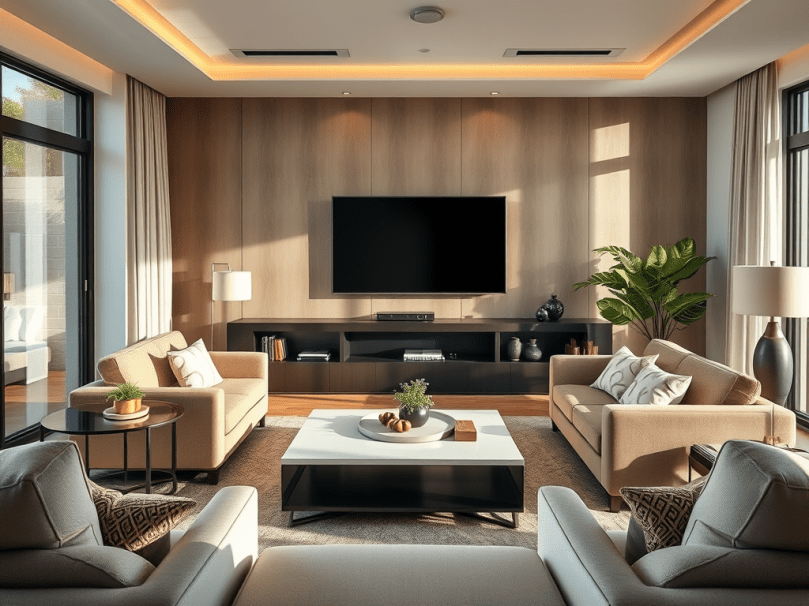
Final Thoughts
Surround sound isn’t just about louder audio—it’s about creating a feeling of presence. Whether you’re renovating or just upgrading your living room, you don’t need to compromise aesthetics for acoustics.
With so many sleek and modern sound options available, it’s easier than ever to make immersive sound part of your home’s personality.
Let the sound surround you—and your style.

 Discoveringlifellc
Leave a comment